
Resume any video where you left off.
Saves where you pause and rewinds a few seconds when you come back. Works on YouTube, Netflix and JioHotstar.
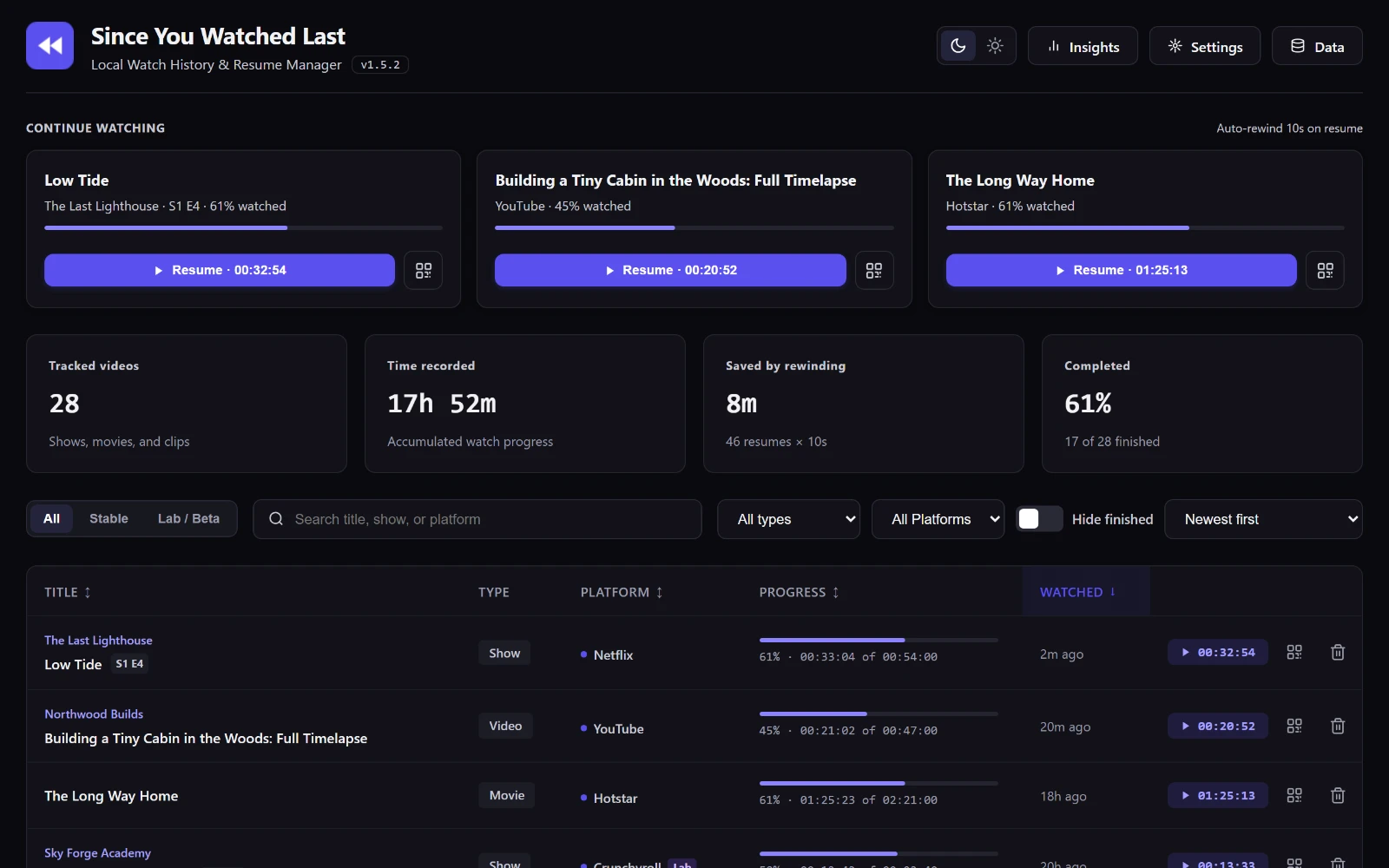
How it works
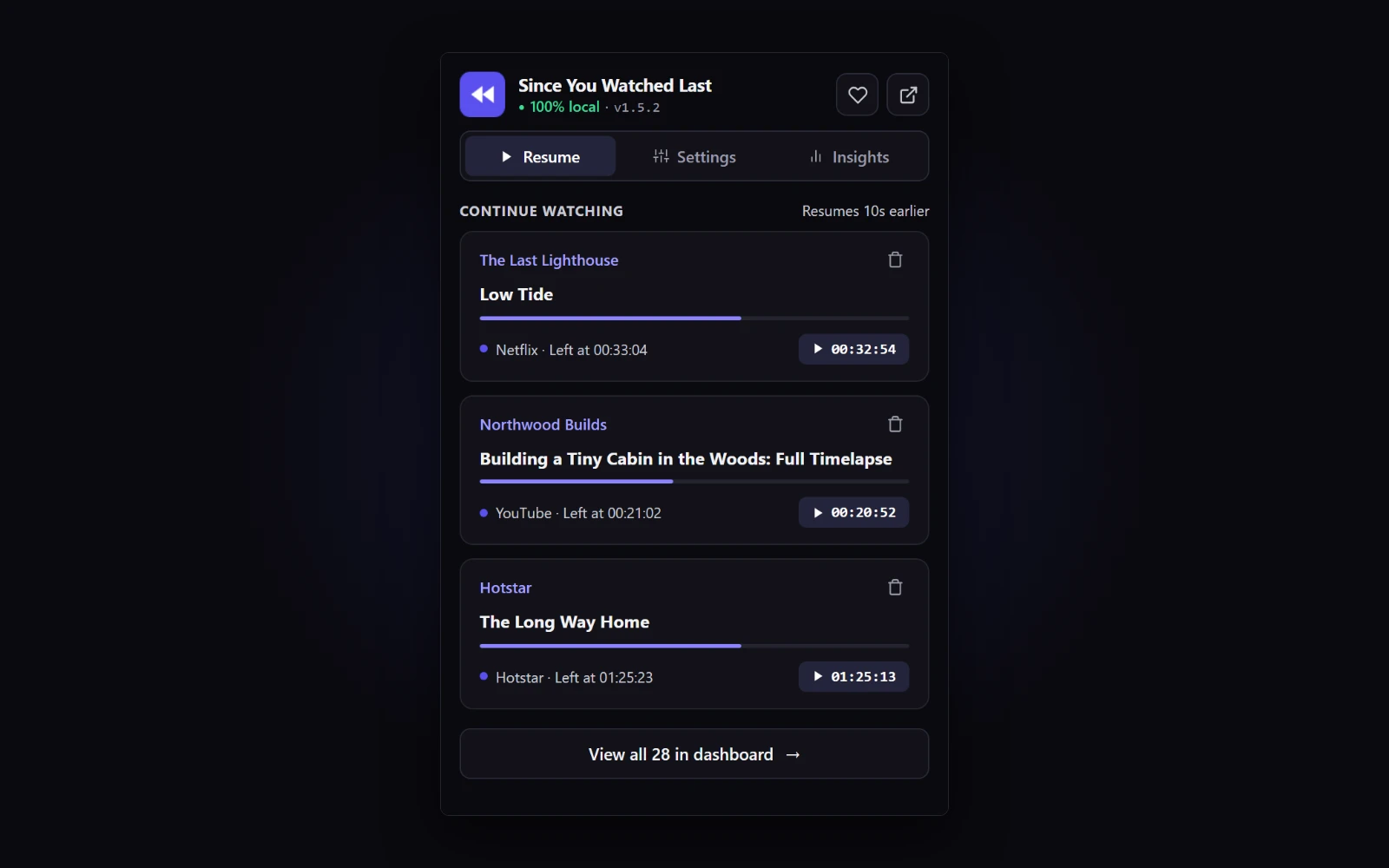
Resume in one click
Open the toolbar popup and pick up any unfinished video, newest first.
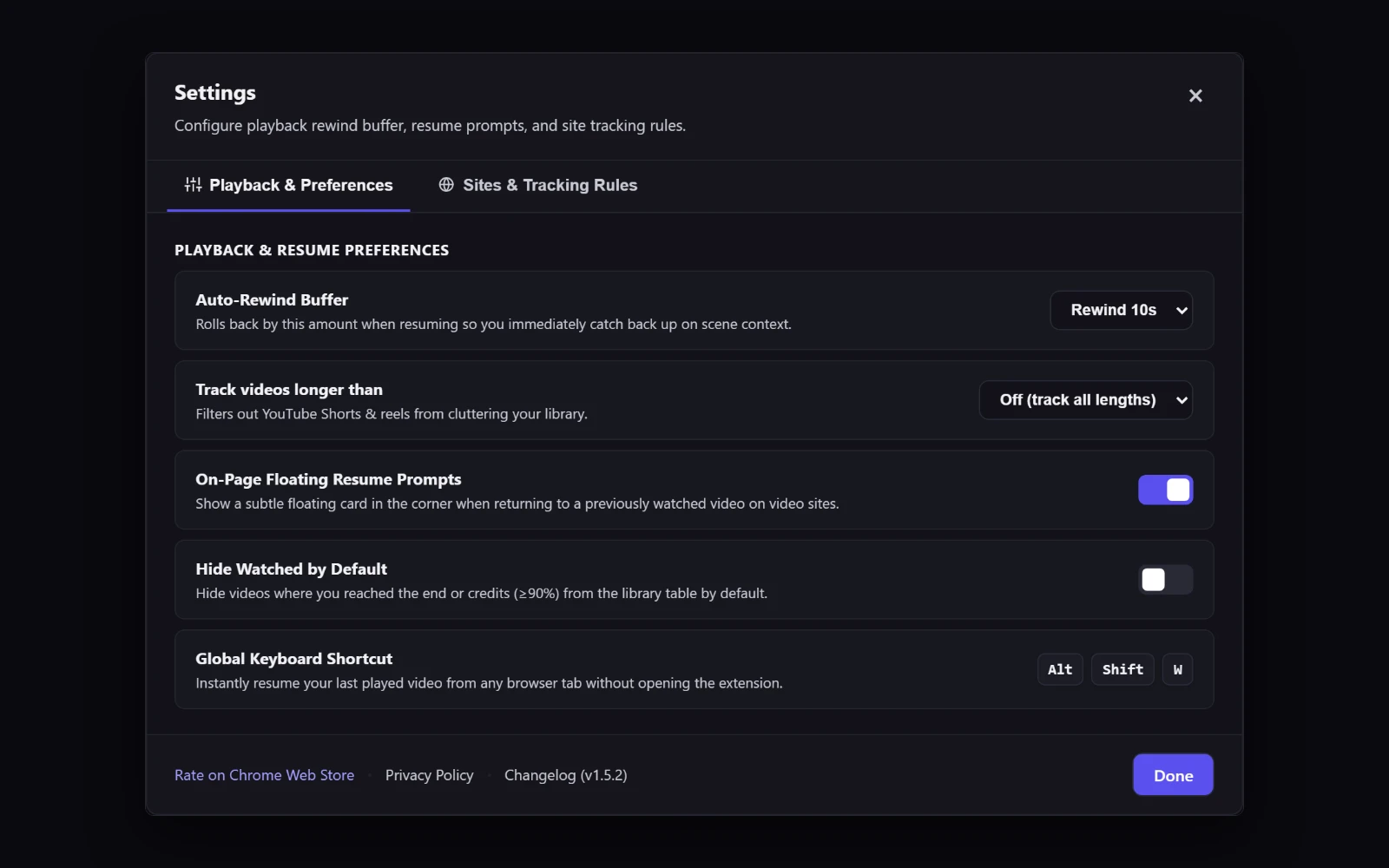
Rewinds a few seconds
Starts 10 seconds early so you catch the line you missed. Pick anywhere from 0 to 30.
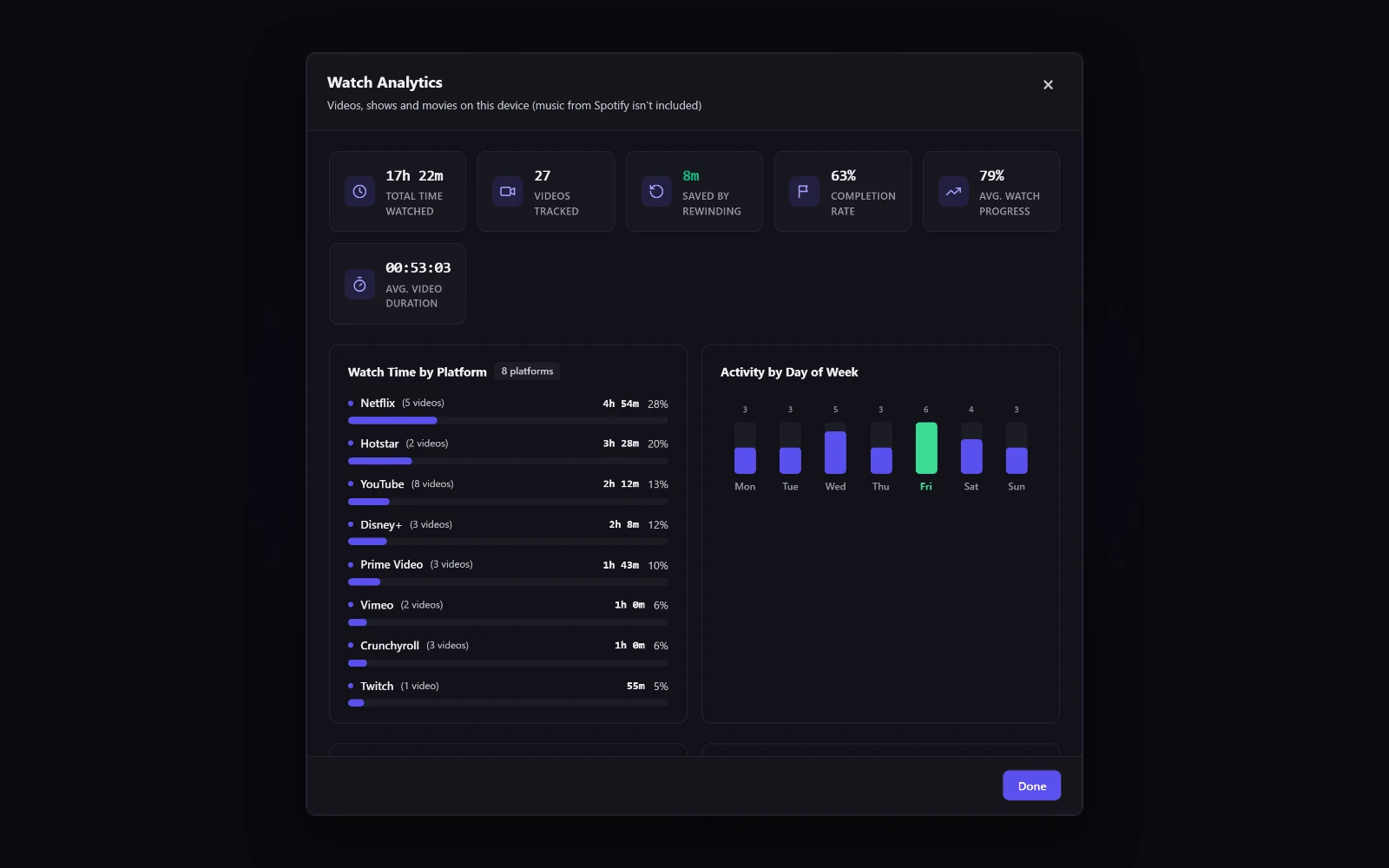
See what you watch
A searchable library with watch time and your top platforms.
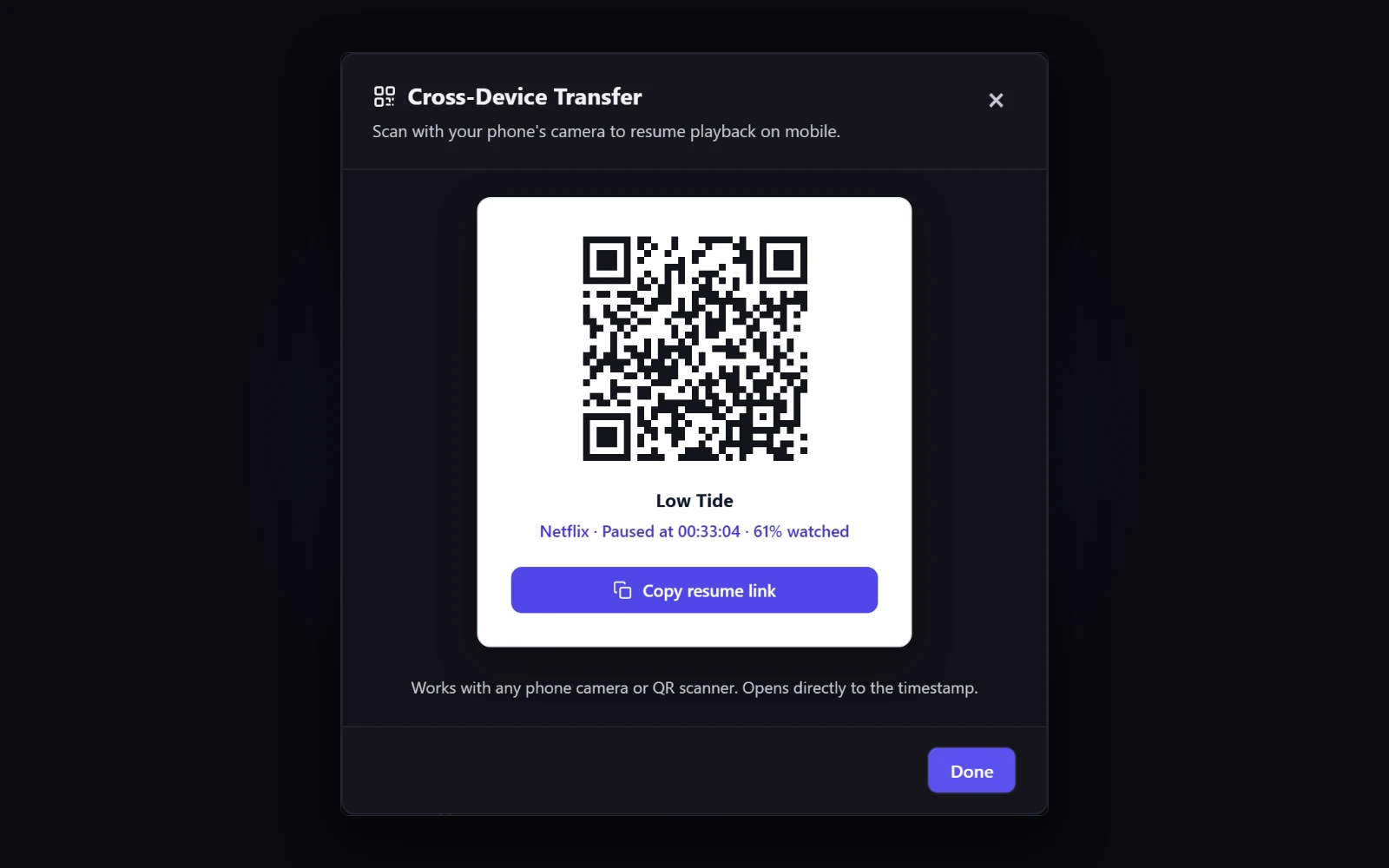
Continue on your phone
Scan a QR code to open the video on your phone at the same moment.
- History stays on your computer
- No account, no tracking
- Only runs on sites you allow
Where it works
Also built in, still being tested: Prime Video, Disney+, Crunchyroll, Twitch, Vimeo and Spotify. For any other video site, choose Track this site in the popup.
Questions
Where is my data stored? Do I need an account?
Everything stays in your browser on your computer. There's no account or sign-in, and the extension never contacts a server.
Does it work on my phone?
Chrome on phones doesn't support extensions, so install it in Chrome on your computer. From there, the QR button opens any saved video on your phone at the same moment.
Why does it ask for access when I add a site?
To notice when you pause, the extension has to run on that site. It starts with streaming sites only and asks Chrome for access to each extra site when you add it.
How do I export or delete my data?
Open the Data menu in the dashboard to export a CSV file, import a backup or delete your history. Uninstalling also removes everything.